1. Find chargers
See live connector availability and pick the closest charger.
Live connector availability, per-kWh prices shown before you start, and full control of your session, all in one app.
Scan to get the app.
Or find a station on the mapLive availability · Transparent prices · No cash or cards at the station
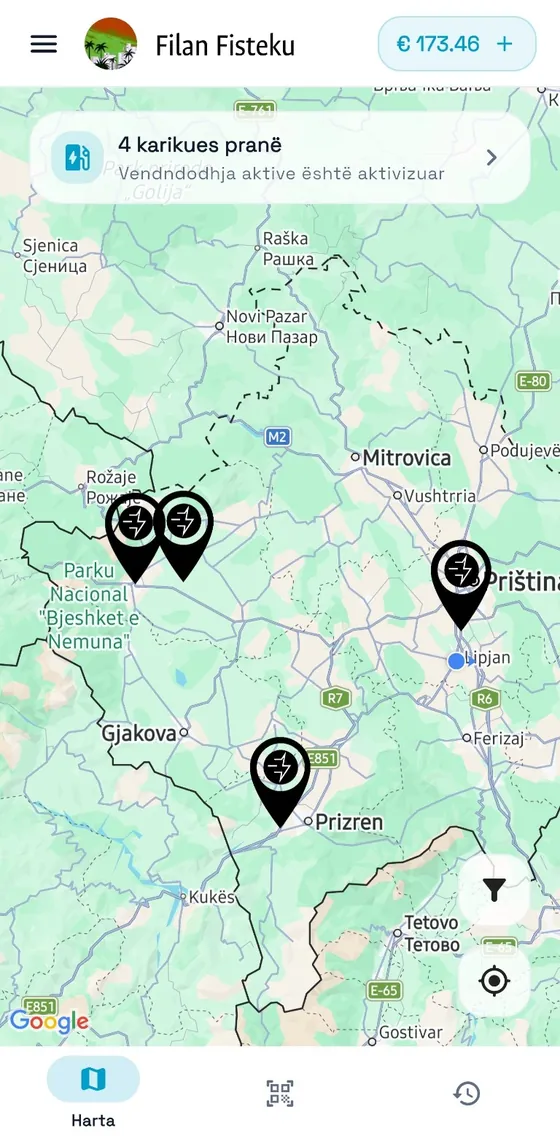
Live status for every public connector.
Loading stations…
See live connector availability and pick the closest charger.
Scan the QR code or open the charger in the app and start.
Pay from a prepaid wallet with a spending budget you control.
Follow your session and stop it from your phone.
You need the Eling Charge app to start and pay for a session. Scanning the QR code on the charger opens it straight in the app, or takes you to the App Store or Google Play if it is not installed yet.
AC Type 1 and Type 2, and DC CCS1, CCS2, CHAdeMO, NACS and GB/T. What a given station actually offers is shown on its card and in the connector filters on the map.
Stop the attempt in the app and start it again. If the connector stays unavailable, choose another connector or the nearest station: the map statuses update live. If it still fails, contact support with the charger ID and station name so we can check that unit.
You top up by card in the app and the credit appears in your wallet once the payment is confirmed. Sessions are then paid from that balance, with the per-kWh price and the session fee shown before you start. If a charge is duplicated or a session fails, support can credit the amount back to your wallet.
Tell us about your location and our team will reply with options.